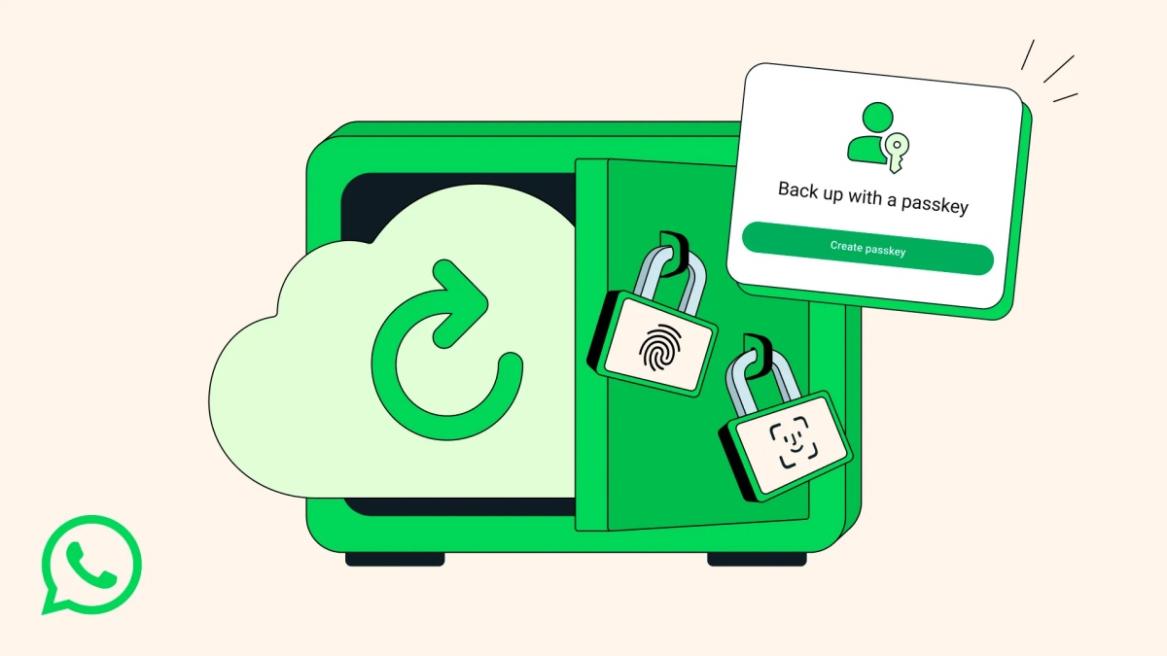
- WhatsApp is adding passkey support for end-to-end encrypted chat backups.
- This will make it easier to unlock your encrypted chat backups with a fingerprint, Face ID, or screen lock code.
- To enable it, go to Settings > Chats > Chat Backup > End-to-end encrypted backup > Use passkey.
WhatsApp is bringing passkey support to secure your encrypted chat backups, ensuring you can safely restore them even if your device is lost or damaged. This will allow you to easily access your chat backups from any other device using your fingerprint, screen lock, or Face ID.
Passkey Makes It Easy to Access E2E Encrypted WhatsApp Chats
Previously, you had to note down a 64-digit string of letters and numbers to unlock your encrypted WhatsApp backups which was a tedious task.
But passkeys let you quickly access and restore your WhatsApp chats on any device with your biometric or screen lock code. WhatsApp has been testing the passkey feature for some time now, and now it has shared a blog post announcing that the feature is now rolling out on both Android and iOS globally.
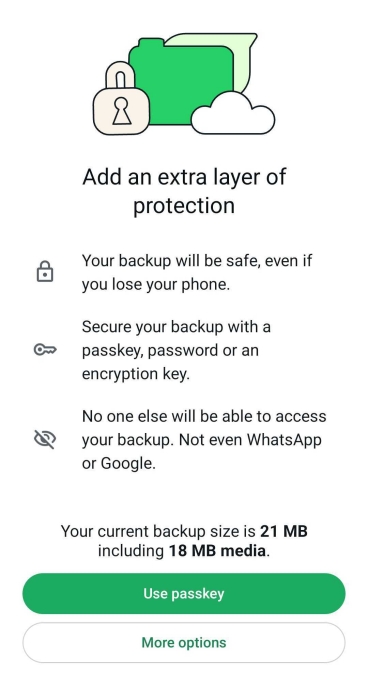
To set up passkey backups, tap on the profile icon at the top on Android and the Settings tab at the bottom on iOS. From there, go to Chats > Chat backup > End-to-end encrypted backup > Use passkey .

With over 4 year of experience under the belt, I cover all facets of consumer tech, from smartphones to other consumer electronics, our favorite social media apps, as well as the growing realm of AI and LLMs. As an Apps and AI writer app Beebom, I provide my expertise in all these areas, weaving stories that help you get familiar with the tech around you. But you will find me playing NYT daily puzzles in my free time.
Add new comment
Name
Email ID
Δ
