There are plenty of excellent emulators on Android that let you play classic games on the go. You can load and play retro titles from NES, SNES, PlayStation, N64, and more on your Android device with solid performance and accuracy. So, in this article, we have tested and compiled a list of the 10 best emulators for Android to play retro and arcade games. On that note, let’s explore the list.
Overview of Best Emulators for Android
RetroArch is our number one recommendation if you want to play retro titles on your Android phone. It has support for multiple gaming systems and the app is completely free. You can also take a look at DuckStation and PPSSPP for PS games.
How We Tested the Best Emulators for Android?
Before finalizing the top emulators for Android, I tested a dozen of apps on my Android phone. My first criteria was to find emulators which are being actively developed and supported by the community. Secondly, I installed them on my phone and checked the performance, FPS, battery usage, and stability. Some emulators required heavy CPU/GPU usage while some apps were lightweight.
Besides that, I checked essential features like save states, external controller support, optimized shaders, and networked play. I also preferred those emulators which offered local upscaling to enhance the graphics. Ultimately, I picked the 10 best emulators for Android that come with multiple gaming systems such as NES, SNES, PS1, PS2, N64, GameCube, and more.
List of Top Emulators For Android
RetroArch is considered the best emulator for Android to play retro games. It’s free and support multiple gaming systems. Other than that, you can check out DuckStation if you want to play PS1 games and PPSSPP to run PlayStation Portable titles. You can find many such emulators right below.
RetroArch: Best Multi-Console Emulator for Android
RetroArch is the best emulator for Android as it brings support for multiple console games in a single app. It can emulate games from NES, SNES, PlayStation, N64, Genesis and 50+ gaming systems. On top of that, the app is completely free and open-source . It uses something called “cores” to emulate different platforms. Basically, you download the core for the game and then load the ROM.
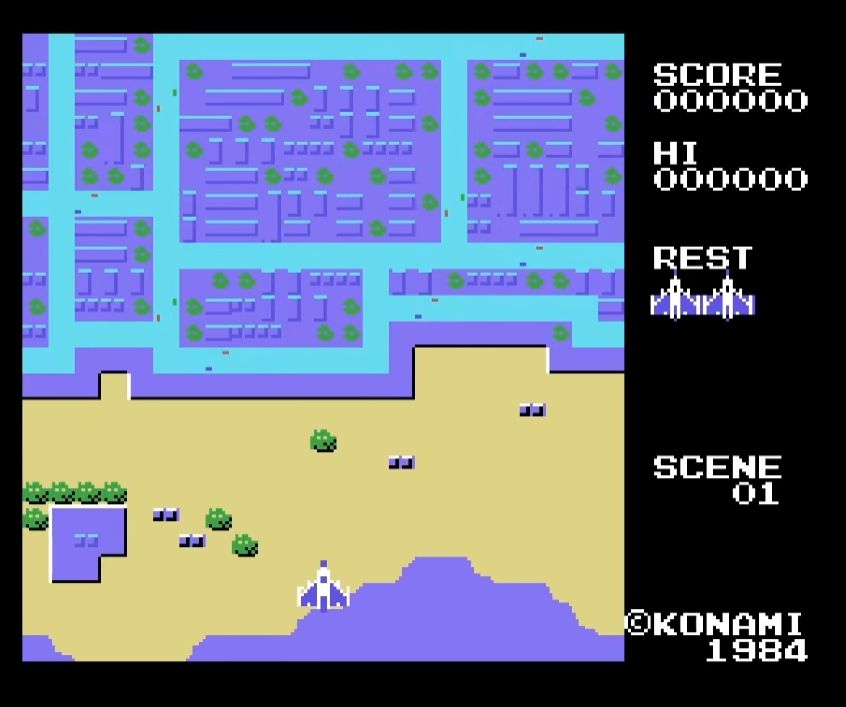
Image Credit: RetroArch via YouTube
RetroArch is also feature-rich and lets you save and load states, fast forward, and even use hardware controllers. Next, you can customize shaders, filters, and audio settings. Not to mention, games can also be synced to the cloud. That said, for beginners, the emulator may be confusing due to UI complexity. Once you master its working, there is no better emulator than RetroArch on Android. In fact, it’s also one of the best Game Boy emulators for iPhone .
Pricing : Free
DuckStation: Best PlayStation 1 Emulator for Android
DuckStation is a great emulator for Android if you want to enjoy PlayStation 1 games. You can play classic games like Final Fantasy VII, Crash Bandicoot, and Metal Gear Solid on your Android phone with this emulator for free. It has wide compatibility with PS1 games and brings modern support through OpenGL and Vulkan graphics APIs.
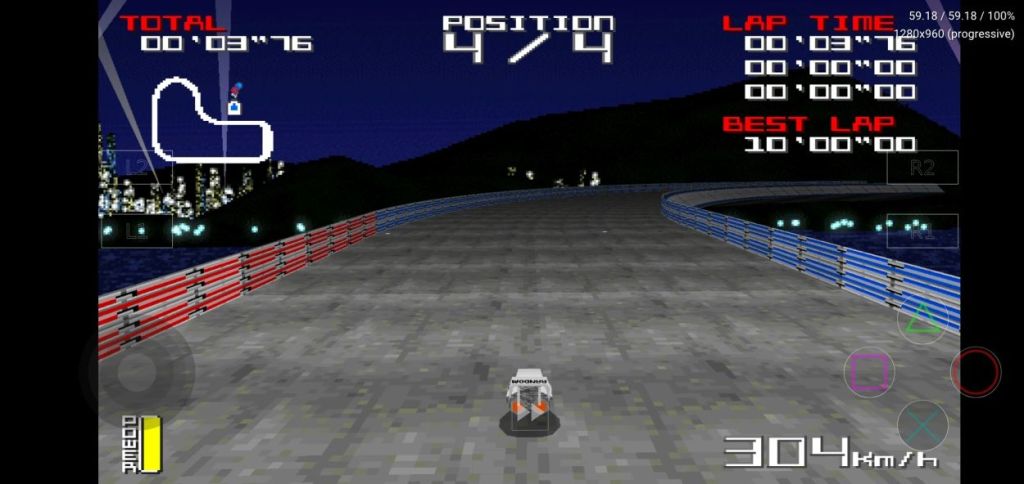
Image Credit: DuckStation via Play Store
Not to mention, DuckStation improves performance through texture filtering and graphics upscaling . And the performance is better than many PS1 emulators out there. It even delivers 60FPS in PAL games, wherever supported. All in all, for playing PS1 games on Android, I would highly recommend DuckStation over ePSXe and FPse.
Pricing : Free
PPSSPP: Best PSP Emulator for Android
Next, I picked PPSSPP to play PlayStation Portable (PSP) games on Android. With this emulator, you can download and play games like God of War, Crisis Core, and Monster Hunter. You may not be aware but many competing apps uses its open-source code to build their emulators. It offers HD rendering with upscaling options to improve the graphics performance.
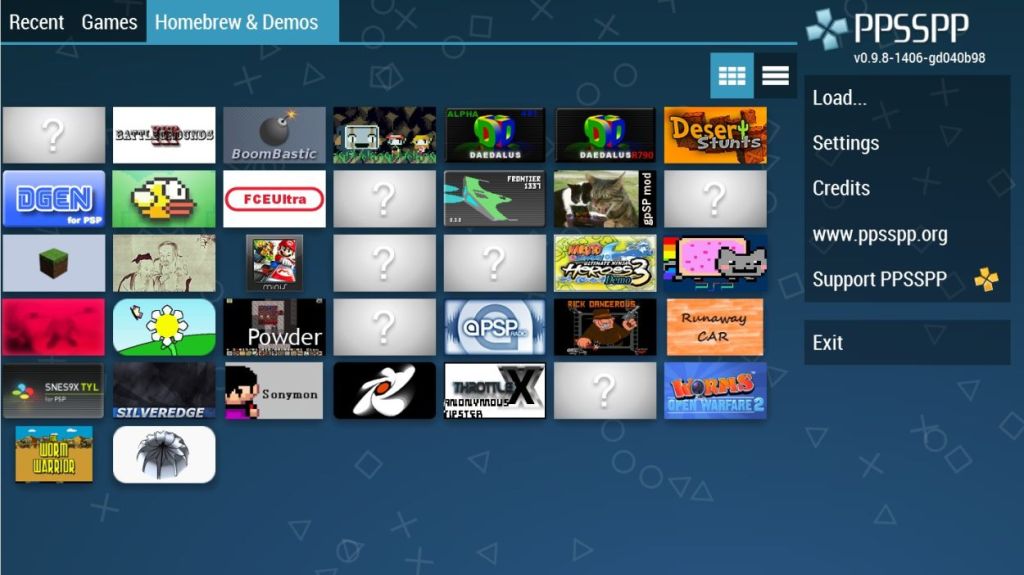
Image Credit: PPSSPP via Play Store
Apart from that, PPSSPP lets you save and load games and you can use the on-screen touch controller along with an external controller. There is support for texture filtering and fast forward functionality is also present. While the emulator is available for free, the Gold version costs $4.99.
Pricing : Free, $5
Dolphin: Best GameCube/Wii Emulator for Android
Dolphin brings Nintendo’s recent console games to Android. This free and open-source emulator requires high-end hardware for most games, but you get to enjoy GameCube and Wii games with better graphics performance. Dolphin offers HD rendering, the ability to save states, external controller support and improved graphics performance.
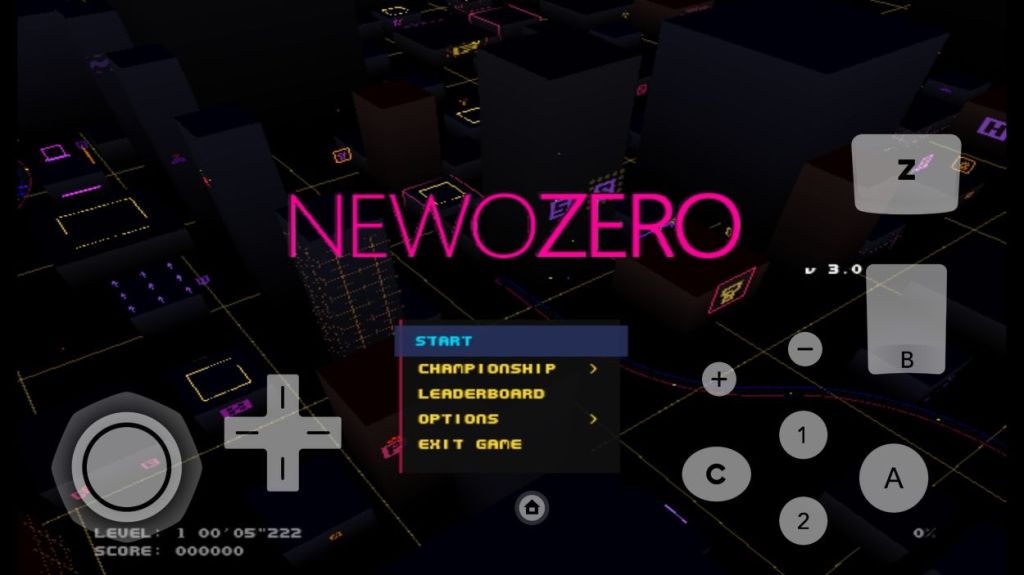
Image Credit: Dolphin Emulator via Play Store
Dolphin is a 64-bit app so it’s optimized to run on modern Android devices. You can customize the on-screen controls according to your preference. Note that RetroArch uses Dolphin’s core to run Wii/GameCube games so its emulation engine is very well received. While the software is in beta, it’s improving rapidly and has become a great emulator for Android users.
Pricing : Free
NetherSX2: Best PlayStation 2 Emulator for Android
The emulation community took AetherSX2 and made NetherSX2 to bring PlayStation 2 games on Android. It can run games from PS2 library with upscaling options. That said, you need a high-end device to enjoy PS2 games on Android. Apart from that, you need to bring your own BIOS otherwise the game won’t boot. NetherSX2 does have support for external controller so that is good news.
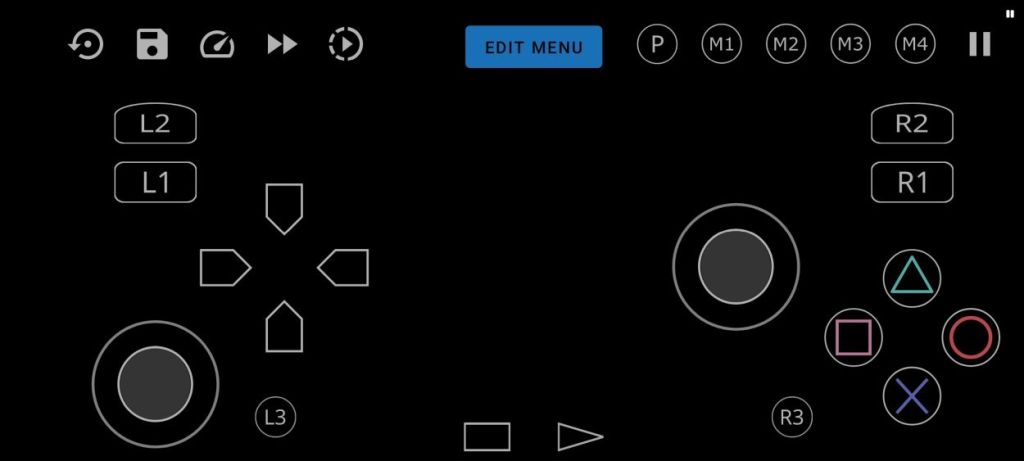
Image Credit: NetherSX2 via GitHub
On Snapdragon-powered devices, users report that popular PS2 titles run fine with the Vulkan renderer. But again, battery drain and heating issues still persist. Budget Android devices can run some games, but don’t expect great performance. If you want to experience PC-grade PS2 gaming on your Android device, I think there is no better option than NetherSX2.
Pricing : Free
Pizza Boy GBA and Pizza Boy GBC: Best GBA/GBC Emulator for Android
For those who want to play Game Boy, Game Boy Color, and Game Boy Advance games on Android, both Pizza Boy GBA and Pizza Boy GBC are great emulators. They have a clean and modern UI and there are no ads in the free version , which is nice. These new apps have been designed for accurate emulation and delivers better performance even on low-end devices.
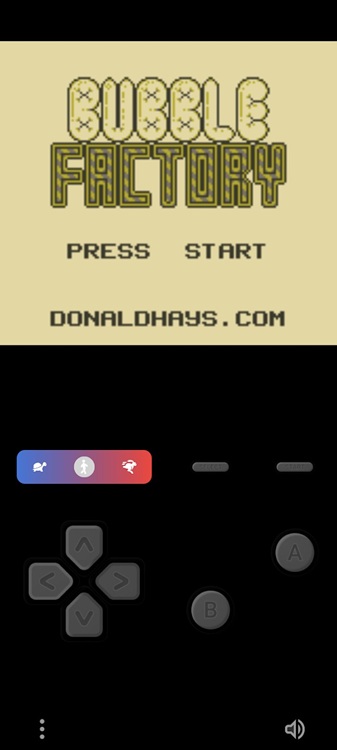
Image Credit: Pizza Boy GBC via Play Store
Some users report that even on a budget Android device, it delivers around 60FPS . Not to mention, the app has support for save states , fast forward, and controller. There is also a paid version which unlocks rewind, autosave, and cloud syncing options. I would say for playing GBA games on Android , you can try these excellent apps.
Pricing : Free, $5
M64Plus FZ: Best Nintendo 64 Emulator for Android
M64Plus FZ or Mupen64Plus FZ is actually an Android port of the Mupen64Plus project and it brings Nintendo 64 emulation to Android devices. Currently, you can consider this app as the only viable way to run N64 games on Android as it’s much harder to emulate N64 games on other platforms. It uses the Mupen64Plus core to run N64 titles.
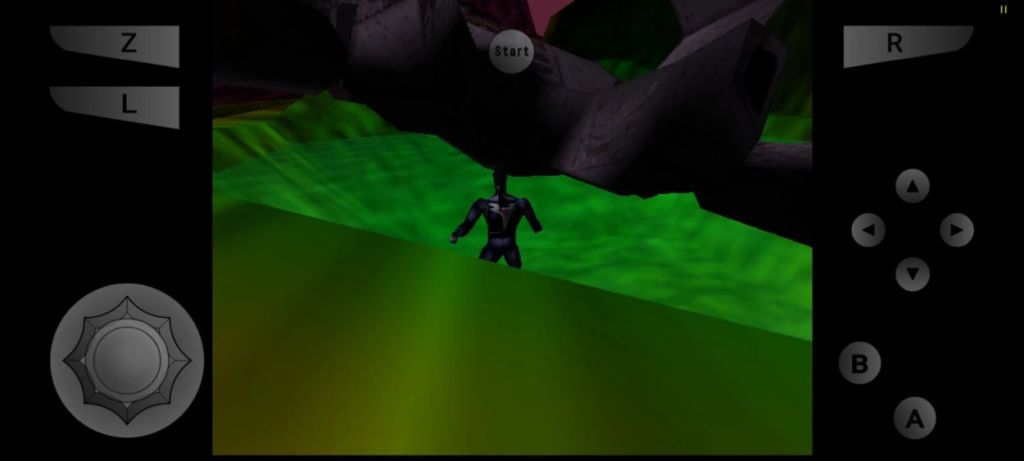
Image Credit: M64Plus EZ via Play Store
The emulator bundles video and audio plugins along with various software renderers. Moreover, you can save game states, upscale graphics, map touch and external controllers as well. While power users love the flexibility the app provides, beginners will have a hard time tuning settings for each game.
Pricing : Free, $3.99
Snes9x EX+: Best Super Nintendo (SNES) Emulator for Android
Snes9x EX+ is one of the oldest emulators on Android and it lets you play Super Nintendo (SNES) games like Chrono Trigger, Super Mario World, and A Link to the Past. It’s completely free and open-source and brings a lot of features. You can save and load states, connect external controller, customize on-screen controls , and run SNES games on a wide range of Android phones.
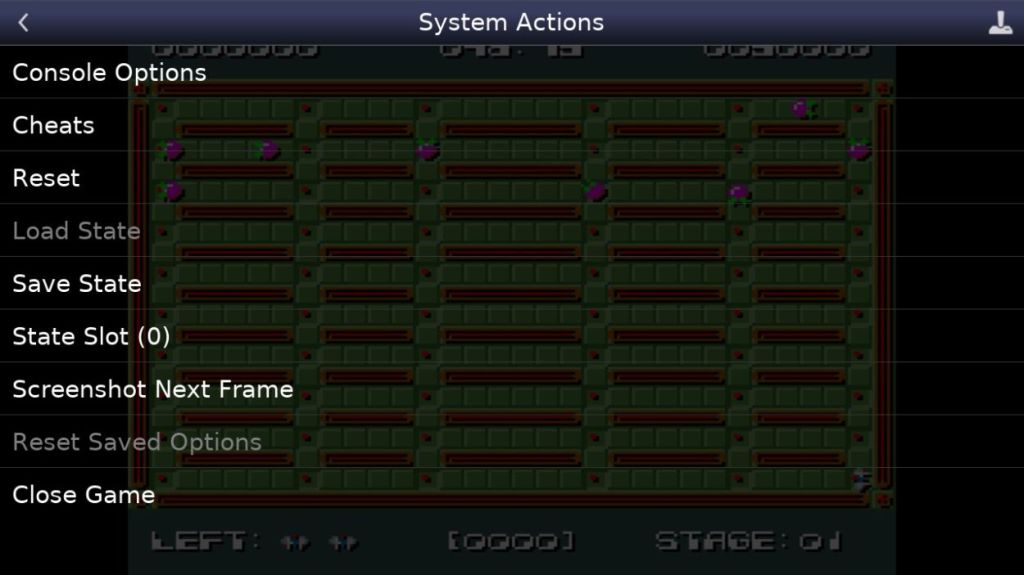
Image Credit: Snes9x EX+ via Play Store
It delivers low audio and video latency and ensures compatibility with even older, low-end devices. There is even shader support to emulate CRT and upscale pixel art. It has an intuitive interface and beginners love that you can easily choose accuracy or speed through toggles. For a no-nonsense SNES experience on Android, go ahead and install the Snes9x EX+ emulator.
Pricing : Free
Lemuroid: Beginner-Friendly Emulator for Android
Just like RetroArch, Lemuroid is a multi-console emulator, but designed for beginners. It has a simple and user-friendly interface and anyone can get started with zero hassle. You can play NES, SNES, PlayStation, N64, Genesis, and 20+ gaming systems . Leumroid is built on Liberto and the emulator is completely open-source.
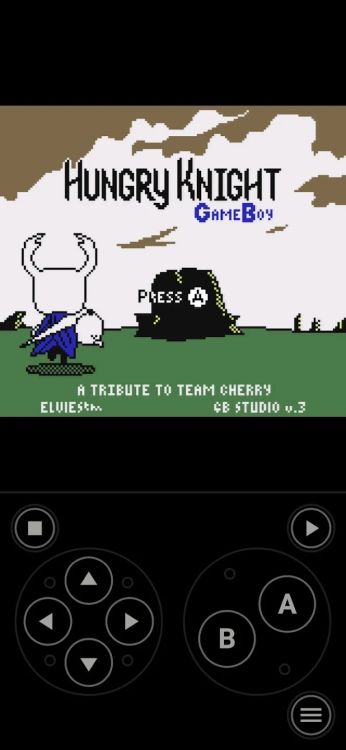
Image Credit: Lemuroid via Play Store
The best part is that Lemuroid is completely free and there are no ads . You can even save and load states, and connect external controller as well. Not to mention, cloud save synchronization is also available. Finally, if you want to play a game with multiple people locally, you can do so using this emulator. So if RetroArch is too complex for you, go ahead and try out Lemuroid.
Pricing : Free
Flycast: Best Dreamcast Emulator for Android
Flycast is one of the best Dreamcast emulators for Android and it’s open-source too. It can emulate Dreamcast, Naomi and Atomiswave hardware with great accuracy while delivering high-performance. Flycast supports Vulkan and OpenGL backends and delivers high-resolution rendering with custom HD texture enhancement .
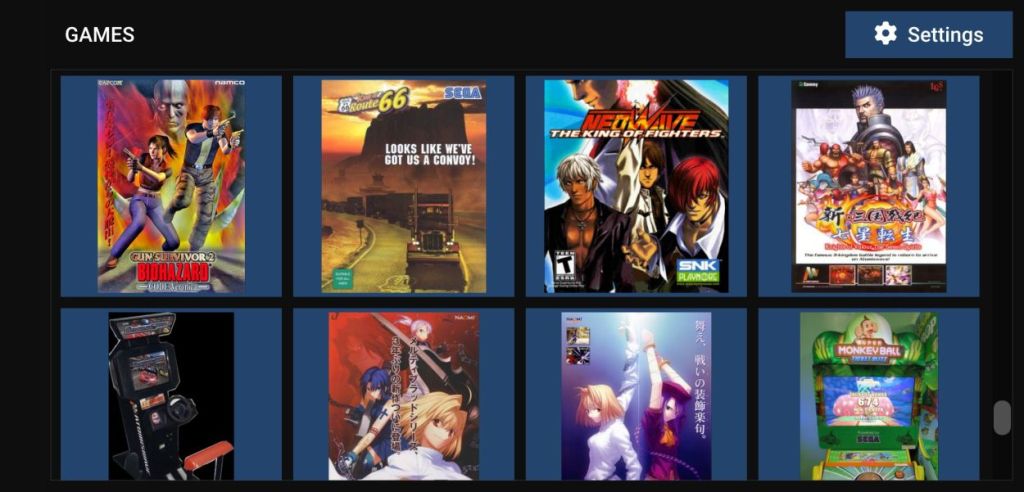
Image Credit: Flycast via Play Store
Basically, you will be able to upscale so many titles on your modern Android device. It can even emulate networked features like modem and LAN adapter for online or local network play. Finally, you can save states with Flycast, and remap Bluetooth controllers as well. For Dreamcast lovers, this is the top emulator you can find on Android.
Pricing : Free
RetroArch is the best emulator on Android to play NES, SNES, PS1, and N64 games. You can also check out DuckStation and PPSSPP.
Yes, you can play many retro games on Android through emulators. You can install apps like RetroArch, Lemuroid, or Dolphin to enjoy classic games on your phone.
For beginners, Lemuroid is better than RetroArch as it has a user-friendly interface. In addition, you can check out DuckStation and PPSSPP.

Passionate about Windows, ChromeOS, Android, security and privacy issues. Have a penchant to solve everyday computing problems.
Add new comment
Name
Email ID
Δ

