As a journalist, writing comes to me naturally, and it is something I can do at any moment. But I can understand that some people might have trouble juggling words to express exactly what they want to say. Thankfully, in today’s AI age, you don’t need to do a master’s degree in writing; instead, you can try out these best AI writing apps to help you create engaging content with minimal effort.
Best AI Writing Apps Compared
I tested out numerous AI writing apps and landed on these 10 picks that not only make any content sound professional, thoughtful, and naturally written. Here is a quick comparison of these tools based on their use case, limitations, and pricing.
Overview of the Best AI Writing Apps
Some AI writing tools are best for writing poems, stories, and screenplays, while others are best suited for a technical paper or a detailed analysis. That is why we tested out numerous online tools and platforms that claim to be proficient AI writing apps and shortlisted these 10. Let’s take a look at them.
1. SudoWrite
SudoWrite is one online AI writing tool that I recommend to anyone experiencing writer’s block. It can help you write, expand upon existing scene or story ideas, and suggest different plot elements, even objects that could be central to your story. The writing was very natural, and the tone matched the style I was going with.
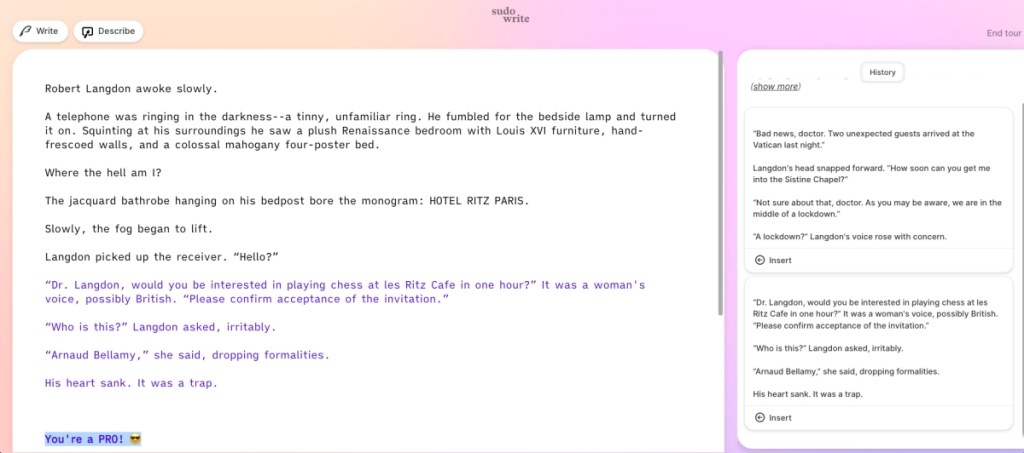
You can even use it to come up with a background story for a certain character or an object. Moreover, anyone can start using it. Even people who are not tech-savvy or literature students. It is literally like a cheat sheet for writers. It is for that reason that I recommended it as the best AI app for students, and that is why it ranks at the top of this list.
Pricing: Free, Paid plan starts at $10/month
2. Claude
Besides SudoWrite, Claude is another great option as an AI writing app if you intend to write fiction. It is a typical chatbot, so it can provide you with quick answers to any of your queries, and you can use it like a ChatGPT alternative . But its tone is more conversational and seems more human than AI. This is why many creative individuals flock to Claude to help out with their writing.
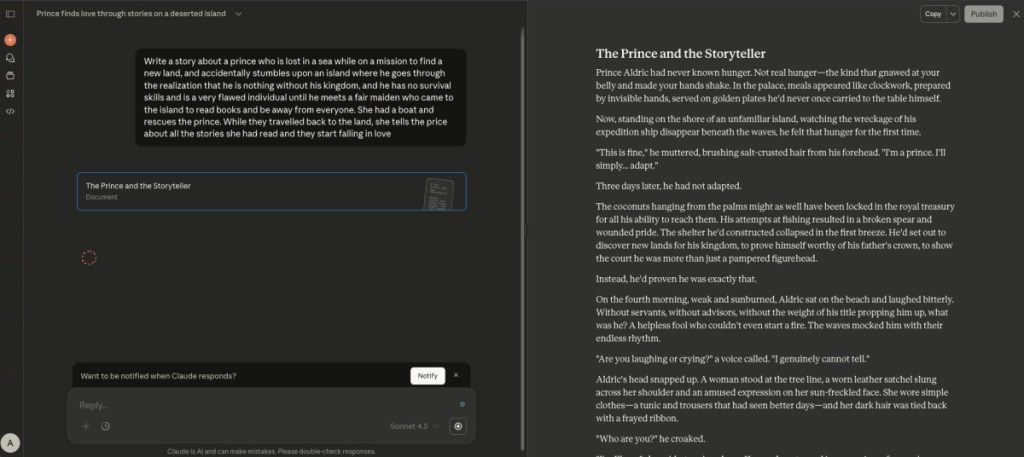
It can help you brainstorm ideas, write social media posts, or complete the rest of your story or essays. In my testing, I asked it to create a story for me, and it made a pretty convincing read that would even fool the best AI detectors in terms of the writing alone. Plus, most of its features are free. However, you do miss out on the dedicated tools that SudoWrite offers.
Pricing: Free, Pro plan starts at $20/month
3. ChatGPT
From Claude to ChatGPT, the AI chatbot that you might already be using to write your content. The reason I have added it to the 3rd spot in the list goes down to its popularity and ease of use. Anyone, and their grandmother, can write with the help of ChatGPT . Whether you are planning to write a small story or a long technical read, it can help you with anything.
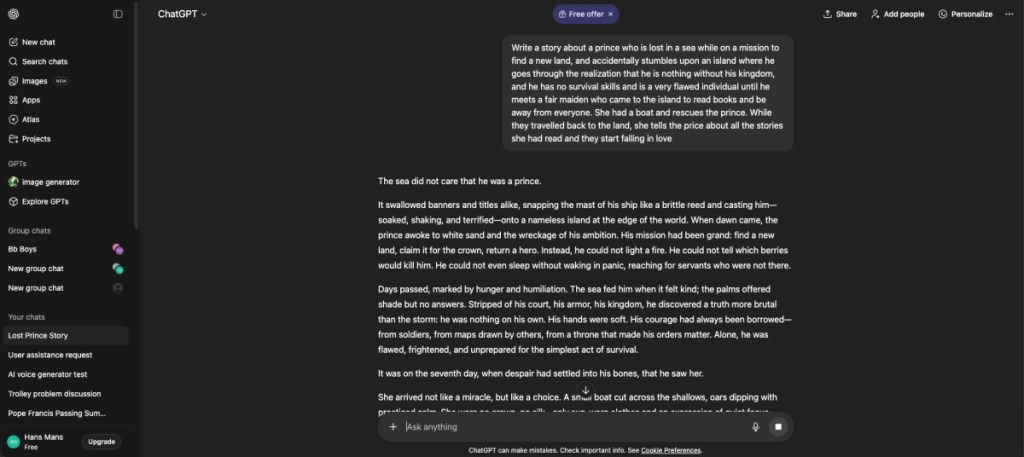
You can also provide suggestions for tone, since the writing style reads very generic and mundane, like a typical AI chatbot. That said, its versatility and the fact that it can fetch real-time information to incorporate into your content are why it is a worthy AI writing app that you should definitely use. However, I do suggest using some AI humanizer to make its language sound more natural.
Pricing: Free, Pro plan starts at $20/month
4. Jasper AI

Pricing: Pro plan starts at $69/month
5. Quillbot Flow
Quillbot Flow is not an AI writing app per se, but it can very well help you out if you need help with research summarization, paraphrasing, or just extending what you have already jotted down. It is very efficient in its writing and features all the basic text formatting tools like bold, alignment, italics, fonts, text size, and more. So you can have the entire report or essay drafted on Quillbot Flow, ready to be sent.
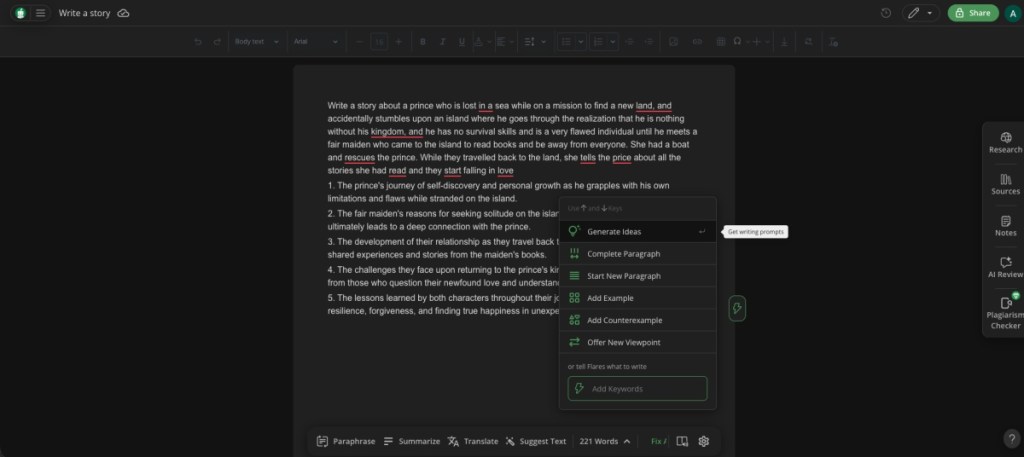
You can also import your unfinished work from MS Word, Google Docs, or any locally saved file, saving you necessary time if you are writing the last hour assignment. In my testing, the tool produces competent text with a fluent tone, and you can further adjust it with its built-in paraphrasing tool. The best part is that most of what I have described above is completely free to use, making it a great AI writing app for students.
Pricing: Free, Premium plan costs $50.04/annually
6. Rytr
Rytr is an AI-backed content generator that works across different writing genres . The AI writing app takes a simple section topic along with some keywords and gets to it immediately. Rytr lets you adjust the creativity, tone, use case, and a bunch of text editing tools. So, when you feel like it, you can switch to different areas, such as blog writing, business ideas, call-to-action strategies, social media ads, interview questions, and many more.
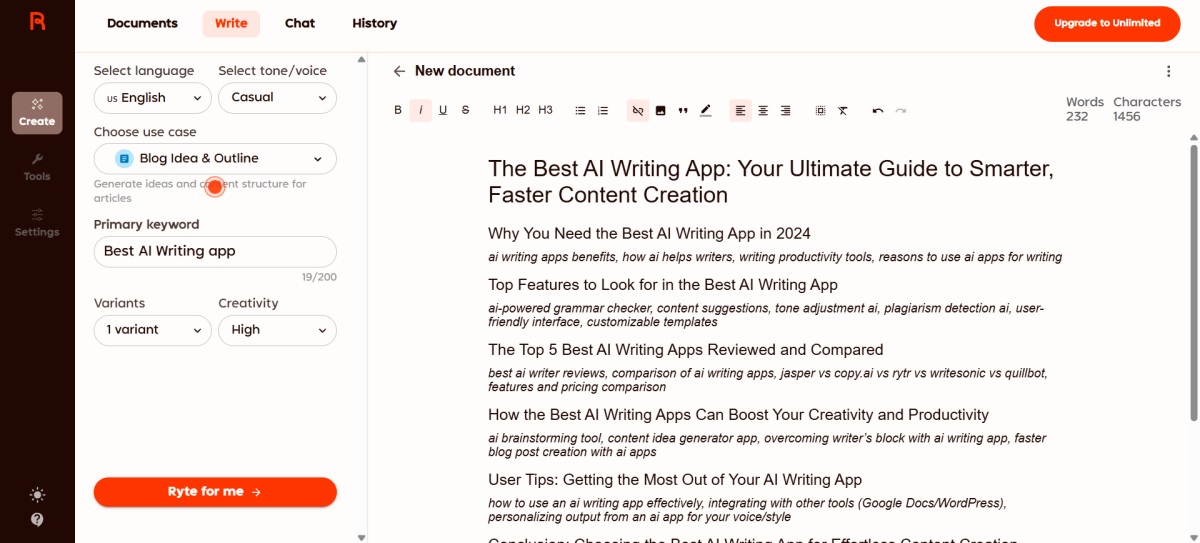
Combine that with 30+ language support, and you have one of the best AI writing apps. During my time with Rytr, the content generator was quite accurate and presented neat and editable copy . Now, while you can’t use it word for word, its generated writing is easily recyclable.
Pricing: Free, Unlimited plan starts at $9/month
7. Perplexity
Perplexity is another great option as a free AI writing app that can perform deep research about any topic. It creates a structured breakdown, which makes any information easily understandable, no matter how complex it is. I used its help recently to learn about deep learning in AI, and it proved to be quite helpful since I had no clue about the topic.

Therefore, Perplexity can be a great option for students who need help with academic writing, with proper quotations and sources. The fact that it is a chatbot allows you to ask follow-up questions and further tune the tone and writing style according to your preference, too. However, unlike ChatGPT or Claude, Perplexity sounds a bit too robotic and generic.
Pricing: Free, Pro plan starts at $20/month
8. Writesonic
Writesonic has consistently been one of the best AI writing tools because of its ability to create a plethora of content. The website has a wide range of tools, which range from AI article and blog writers to text expanders, paraphrasing tools, article summarizers, and more. Depending on your use and the length of texts, you can choose from these features and pick the one that applies to you.
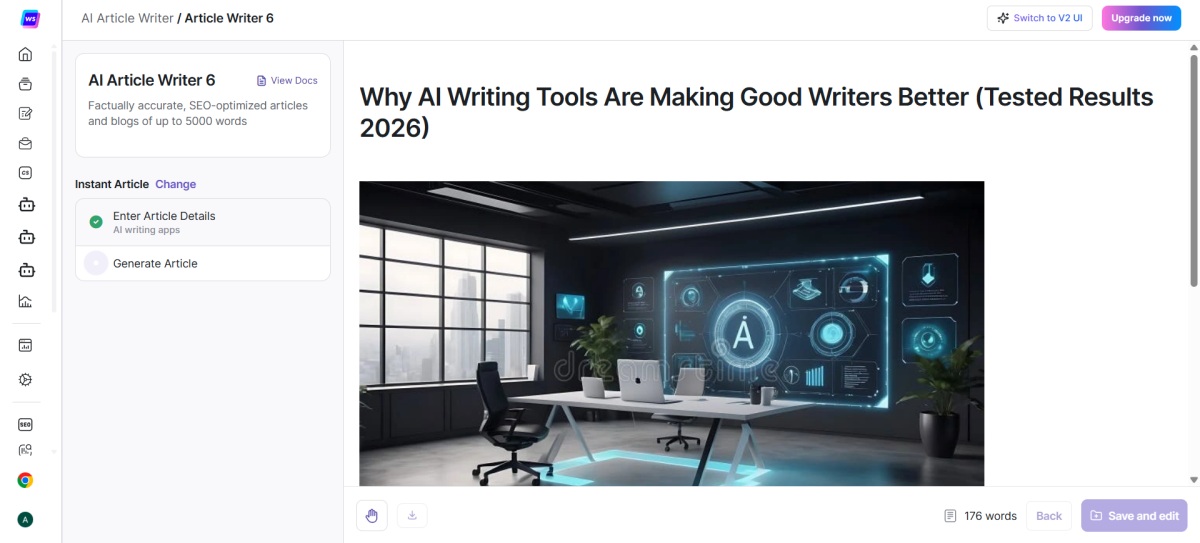
I tested various Writesonic tools and liked the paragraph tool the most. It allows for fine-tuning the AI , including the tone of voice, the quality of output, keywords, number of outputs. You can even cater to different countries as the AI tool supports more than 25 languages.
Pricing: Free, Lite plan starts at $49/month
9. Copy AI
Copy AI is one writing tool that has been recommended by a lot of users online. And to the tool’s credit, it does a lot right even if it’s limited. Put together with a neatly organized layout, Copy AI has divided the different use cases available into categories. These vary depending on your use case and include social media content, blog, e-mail, website copy, and even fun-based ones.

In my specific case, I chose to blog and then selected write blog intro. Copy AI then required a few things, including the blog title, its purpose, and tone, and got to work. The output itself wasn’t as polished as ChatGPT or some of the competition, but it was decent enough. By default, Copy AI rendered six outputs, which you can use.
Pricing: Free, Paid plan starts at $29/month
10. Paragraph AI
Paragraph AI is more of a browser companion than an AI writing app itself. It is available either as a Chrome plugin or an Android/iOS app. Paragraph AI offers three different categories, which are Edit some text, Fix spelling and grammar, and Generate a report outline. Users can click on any of these options to expand them and get the AI to write on them.
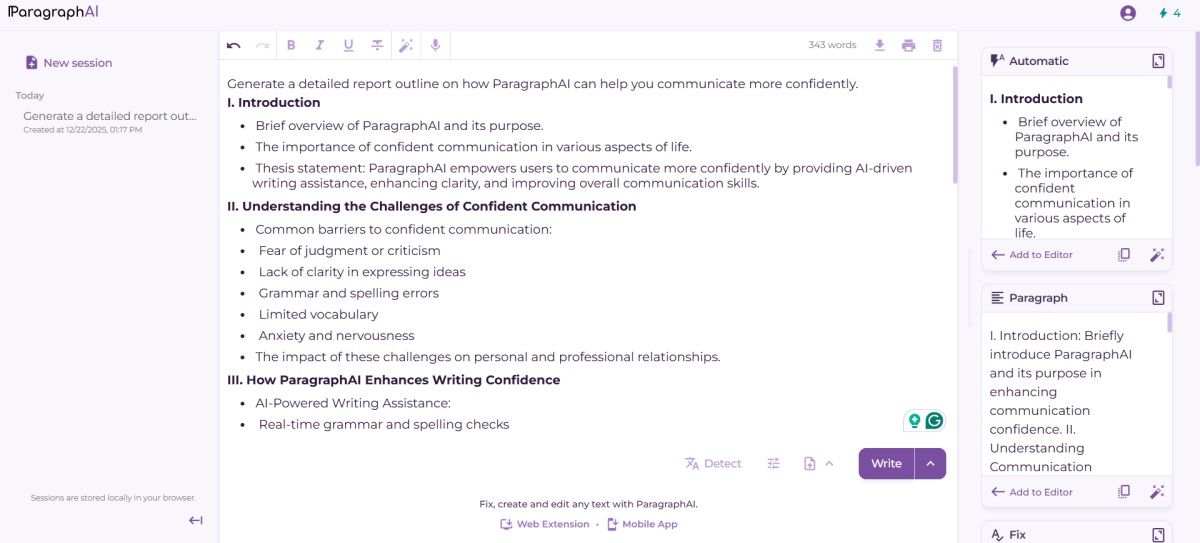
It is one of the simpler AI writing tools that you can get started with minimal friction, similar to Quillbot Flow. Paragraph AI also features some basic text editing options as well. It generates multiple outputs, and you can pick whichever one best suits your requirements. There are not a lot of tone and style customization options, but at least it gets the job done if you are in a rush.
Pricing: Free, Paid plan starts at $15/month

With over 4 year of experience under the belt, I cover all facets of consumer tech, from smartphones to other consumer electronics, our favorite social media apps, as well as the growing realm of AI and LLMs. As an Apps and AI writer app Beebom, I provide my expertise in all these areas, weaving stories that help you get familiar with the tech around you. But you will find me playing NYT daily puzzles in my free time.
Add new comment
Name
Email ID
Δ

