- EA FC 26 Ultimate Edition owners can start preloading the game on September 17 across all platforms.
- Standard Edition players will have to wait until September 24 to pre-download the game.
- FC 26’s file size weighs in at around 57.2 GB.
The release of EA FC 26 is fast approaching, and as any Ultimate Team player will tell you, it’s best to jump in as early as possible. By preloading the game, you can access the title as soon as it goes live worldwide on September 26, or during its week-long early access period. All the hype surrounding the latest entry in the franchise has players itching to know when preloads kick off. On that note, here’s how you can preload FC 26 on PC, PS4, PS5, Xbox One, and Xbox Series X/S.
EA FC 26 Preload Start Date and Size
- Preloads for EA FC 26 Ultimate Edition owners kick off on September 17.
- Preloads for EA FC 26 Standard Editions owners begin on September 24.
The game’s file size has also been confirmed, thanks to the ‘PlayStation Game Size’ account on X, and it weighs in at 57.2 GB . Regardless of your chosen edition, you can start your Ultimate Team journey as early as September 17 by logging into the FC 26 Web App .
How to Preload EA FC 26 on Steam, Epic Games Store, and the EA App
To preload FC 26 on any of the three major PC storefronts, you’ll need to pre-order the game first. Follow these steps to get the preload started:
- Launch Steam, the Epic Games Store, or the EA App and open FC 26’s store page.
- Pre-purchase the game.
- After September 12, you’ll see an option to Preload the game.
- Select it to pre-download FC 26.
How to Preload EA FC 26 on PS4 and PS5
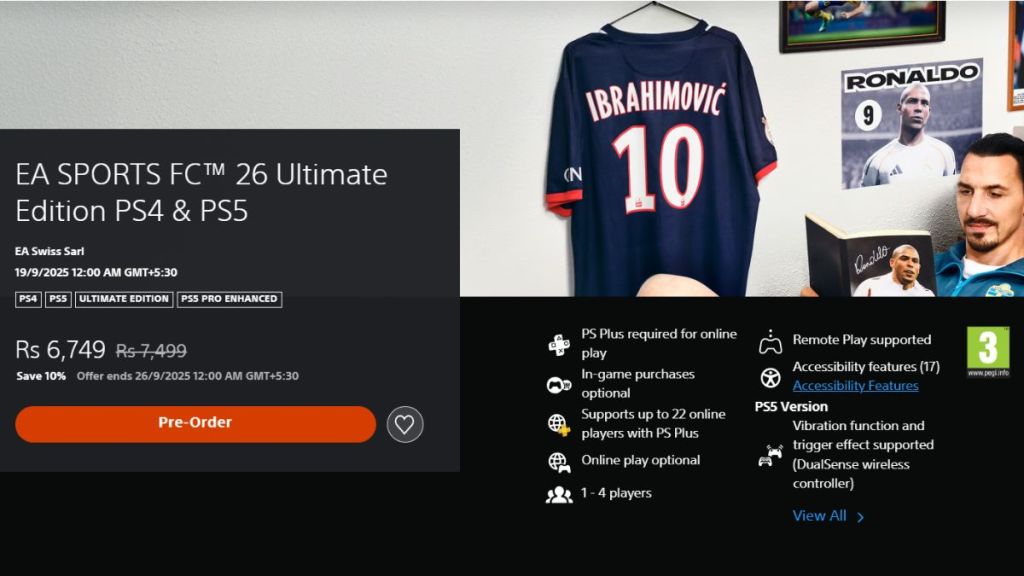
Image Credit: PlayStation Store (screenshot by Aryan Singh/Beebom)
PS5 players can preload FC 26 by following these steps:
- Open the FC 26 game page in the PlayStation Store.
- Pre-purchase the game first and then head to your Library.
- Find FC 26 in your PlayStation library and click on the Download option.
- Wait for the game to finish downloading.
How to Preload EA FC 26 on Xbox One and Xbox Series X/S
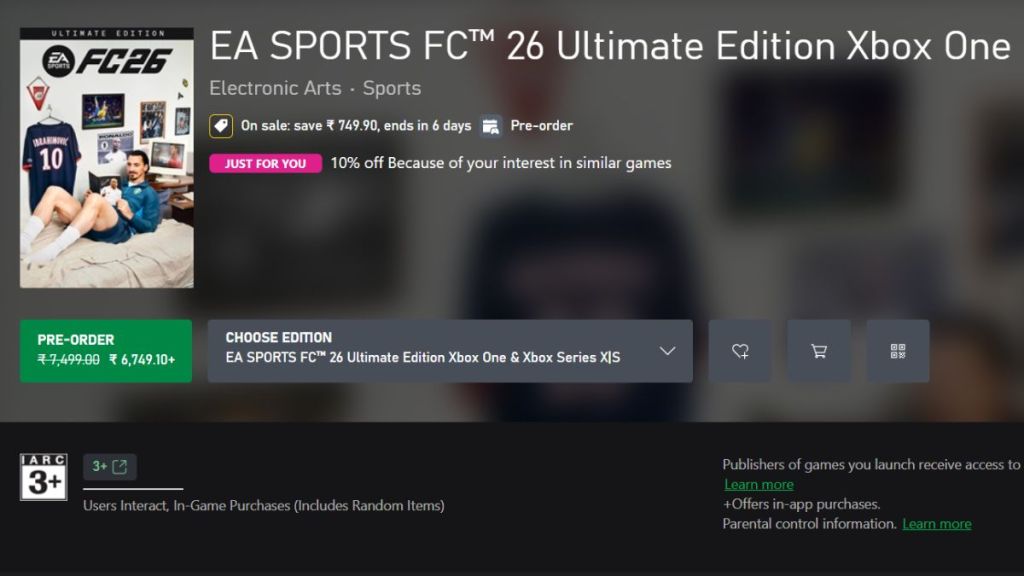
Image Credit: Xbox Store (screenshot by Aryan Singh/Beebom)
Xbox players can preload FC 26 by following these steps:
- Launch the Xbox Store and open the EA FC 26 store page in the search bar.
- Pre-purchase the game if you haven’t, then select the preload option.
- Wait for the pre-load to finish.

A massive gaming nerd who’s been writing stuff on the internet since 2021, Aryan covers single-player games, RPGs, and live-service titles such as Marvel Rivals and Call of Duty: Warzone. When he isn’t clacking away at his keyboard, you’ll find him firing up another playthrough of Fallout: New Vegas.
Add new comment
Name
Email ID
Δ



