Even though iPhones have had IP ratings for a while now, it’s still not the best idea to keep your iPhone soaked in water for a long time. Sure, the occasional swim is fine, but once you’re out of the pool, there’s still going to be water stuck inside the speaker vents of your iPhone. So, if you want to ensure that you get all the water out of your iPhone’s grilles, read on to find out how to eject water from your iPhone using Siri Shortcuts.
How to Get Water Eject Shortcut
Dubbed “Water Eject”, this useful Siri shortcut has been a smartphone-saver for me in the past few days, and here’s how you can use it.
- Open this link using your iPhone and tap the “Add Shortcut” button at the bottom to add it to your Shortcuts library.

Note: When you run this shortcut for the first time, it will ask you for a bunch of permissions. You can choose to accept or deny these as per your comfort. The shortcut will work either way, it just won’t show a notification once it’s done.
Steps to Eject Water from iPhone
- Once you have installed the shortcut, just launch Siri and say “ Water Eject “. Tap the “Start” button and select the Intensity Level.

- Now, wait for it to complete the process. It uses low-frequency sound to push water out of your iPhone. Once done, the Siri shortcut will turn down your iPhone’s volume and show you a notification telling you that the liquid has been ejected successfully.

So that’s how you can easily eject water from your iPhone. While it’s surprising that Apple doesn’t offer a built-in feature to do this on iPhone, it’s great to have a Siri Shortcut that can solve the problem. That said, if the shortcut isn’t cutting it for you, there are a bunch of other methods to remove water from iPhone that you can try as well.
Unlike the Apple Watch, iPhones don’t have a native “water eject” feature. However, you can use the Siri Shortcut “Water Eject” to basically achieve the same functionality.
If you have an iPhone 7, iPhone 8, iPhone X, iPhone XR, iPhone SE 2 or iPhone SE 3, your iPhone has IP67 rating. If you have an iPhone XS or later (all the way up to iPhone 16 series), your iPhone has an IP68 rating. Do remember that these ratings imply that your phone is water resistant, not waterproof. It is generally better to avoid submerging your iPhone underwater for extended periods of time despite the IP rating of your phone.
Vikhyat has a bachelor’s degree in Electronic and Communication Engineering and over five years of writing experience. His passion for technology and Apple products led him to Beebom, where he specializes in writing App features, How To’s and app troubleshooting guides for fellow Apple users. When not typing away on his MacBook Pro, he loves exploring the real world.
Add new comment
Name
Email ID
Δ


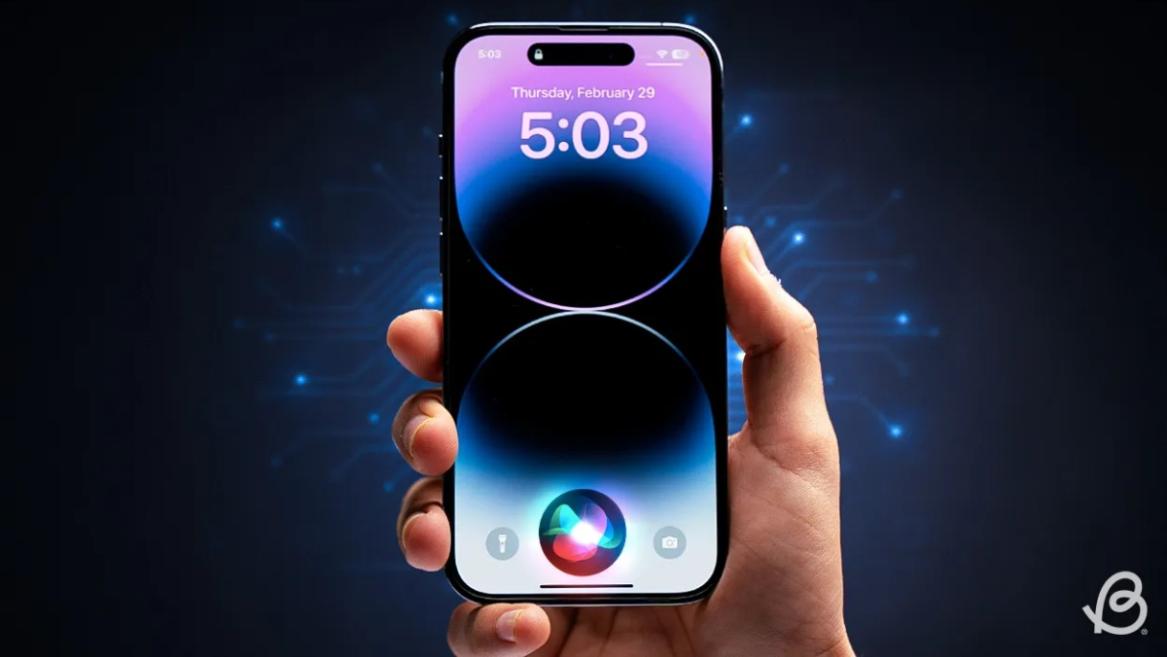
- Apple and Google have officially confirmed their team-up for the next-gen Siri AI.
- The Cupertino Giant will be using Google’s Gemini for a more personalized Siri model as well as Apple Intelligence features.
- We can expect the next-gen Siri to come out with iOS 26.4, sometime in March or April.
Apple has officially confirmed joining forces with Google to use its Gemini AI model to power the next-generation Siri. It will offer a more personalized experience and will be coming out with the iOS 26.4 update. Apple also plans to leverage Gemini’s capabilities for other Apple Intelligence features as well, later down the line.
The Next-Gen Siri will be powered by Google’s Gemini AI
Apple officially confirmed that it will be partnering with Google in a statement to CNBC . Here’s what it stated, “After careful evaluation, we determined that Google’s technology provides the most capable foundation for Apple Foundation Models, and we’re excited about the innovative new experiences it will unlock for our users.”
Later, Google also shared a post on X confirming the tie-up, “Apple and Google have entered into a multi-year collaboration under which the next generation of Apple Foundation Models will be based on Google’s Gemini models and cloud technology. These models will help power future Apple Intelligence features, including a more personalized Siri coming this year.”
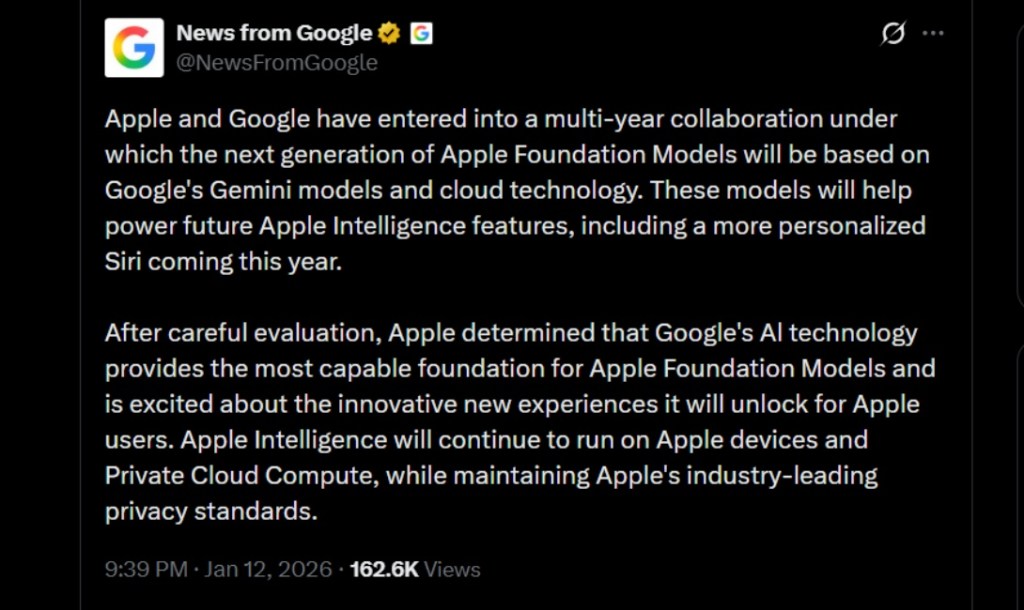
Image Credit: X/@NewsFromGoogle
Both statements clearly mention that the Cupertino Giant will be using Gemini to power its assistant Siri. This was already rumored, as Apple’s attempts to acquire Perplexity went nowhere. With Gemini, Siri will get a major AI update . It will be able to handle more nuanced conversations and provide better results. Something long-time Apple users have been asking for years.
The next-gen Siri will arrive with the iOS 26.4 update, which will launch sometime in March or April. And it is only going to be available for Apple Intelligence-supported devices .
Something else worth noting is how Google’s statement mentions that Gemini will power Apple Intelligence features. This leads us to believe that Apple could use Gemini’s multi-modal capabilities for its Writings tools , Image Playground , and Message summaries, too.
Elon Musk Not Happy With Apple and Google Tie Up
xAI CEO Elon Musk also responded to Google’s announcement post on X, sharing his thoughts on the matter by saying, “This seems like an unreasonable concentration of power for Google, given that they also have Android and Chrome.” Though we don’t expect either Apple or Google to respond to Elon, we will update the situation as it progresses.
It is worth noting that xAI is the company behind Grok, which is in hot water currently due to its inappropriate image generation fiasco , and has been getting backlash from multiple news outlets, X users, and even government authorities.
With over 4 year of experience under the belt, I cover all facets of consumer tech, from smartphones to other consumer electronics, our favorite social media apps, as well as the growing realm of AI and LLMs. As an Apps and AI writer app Beebom, I provide my expertise in all these areas, weaving stories that help you get familiar with the tech around you. But you will find me playing NYT daily puzzles in my free time.
Add new comment
Name
Email ID
Δ
