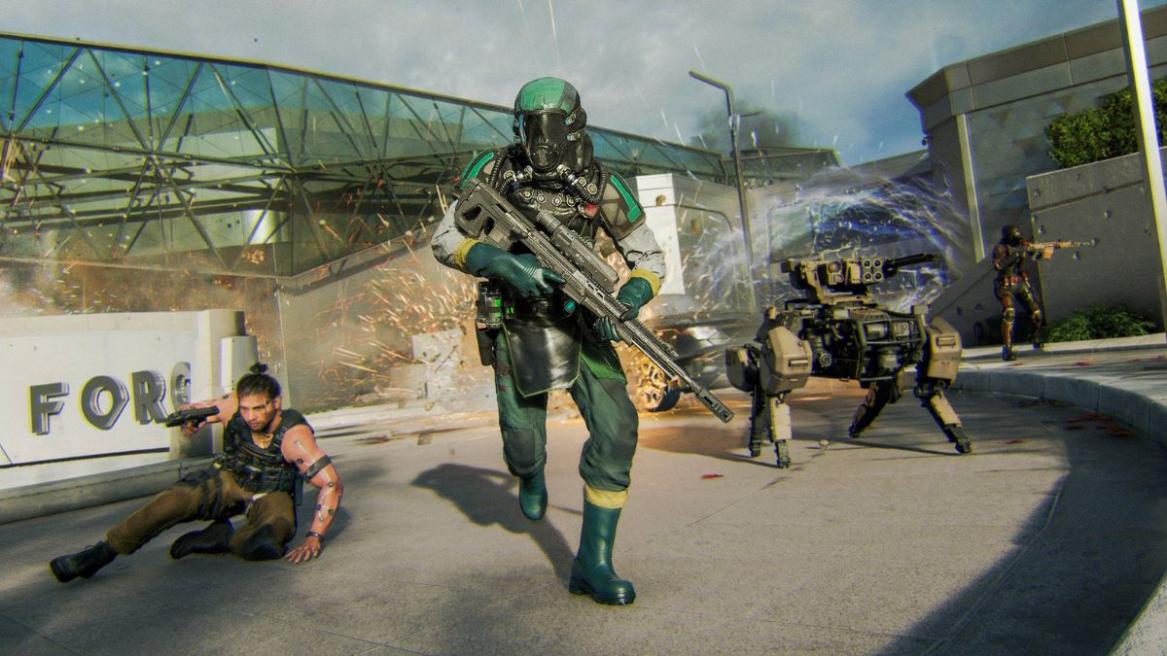
- Preloads for Black Ops 7 will kick off on November 10 at 9 AM PT (12 PM ET/ 5 PM BST)
- To access the preload, you’ll need to pre-order the game or have an active Game Pass Ultimate or PC Game Pass subscription.
- Black Ops 7 release worldwide on November 14.
The release of Call of Duty: Black Ops 7 is right around the corner, and excitement levels are starting to ramp up. The latest entry in Treyarch’s sub-franchise promises to be the biggest Black Ops yet by offering a boat-load of content on launch and beyond. Whether you’re looking forward to the co-op campaign or the new Zombies experience, the best way to prepare for the game’s arrival is by preloading it. So, here’s how you can preload Black Ops 7 on PC, PlayStation, and Xbox.
Call of Duty Black Ops 7 Preload Start Date and Size
As confirmed by Activision, Black Ops 7 preloads will kick off on November 10 at 9 AM PT . This means that the title will be available for pre-download four days ahead of its scheduled launch date. Here are the preload times for different regions:
- US (West) : November 10, 9 AM PT
- US (East) : November 10, 12 PM ET
- Brazil : November 10, 2 PM BRT
- London (UK) : November 10, 5 PM BST
- Europe (Central) : November 10, 6 PM CET
- Russia : November 10, 8 PM MST
- India : November 10, 10:30 PM IST
- Japan : November 11, 2 AM JST
- China : November 11, 1 AM CST
- Australia : November 11, 4 AM AEDT
- New Zealand : November 11, 6 AM NZDT
As for its file size, you’ll be able to download BO7’s components separately, with the full game weighing around 97 GB . By itself, the Co-Op Campaign pack will take up around 15.8 GB of space, while the Warzone pack’s size is nearly 20 GB. The size of the Multiplayer and Zombies packs is yet to be confirmed.
Call of Duty Black Ops 7 Preload Countdown Timer
To help you keep track of when the game will be available for preload, we’ve put together a handy countdown timer:
How to Preload Black Ops 7 on PC, Game Pass & Battle.net
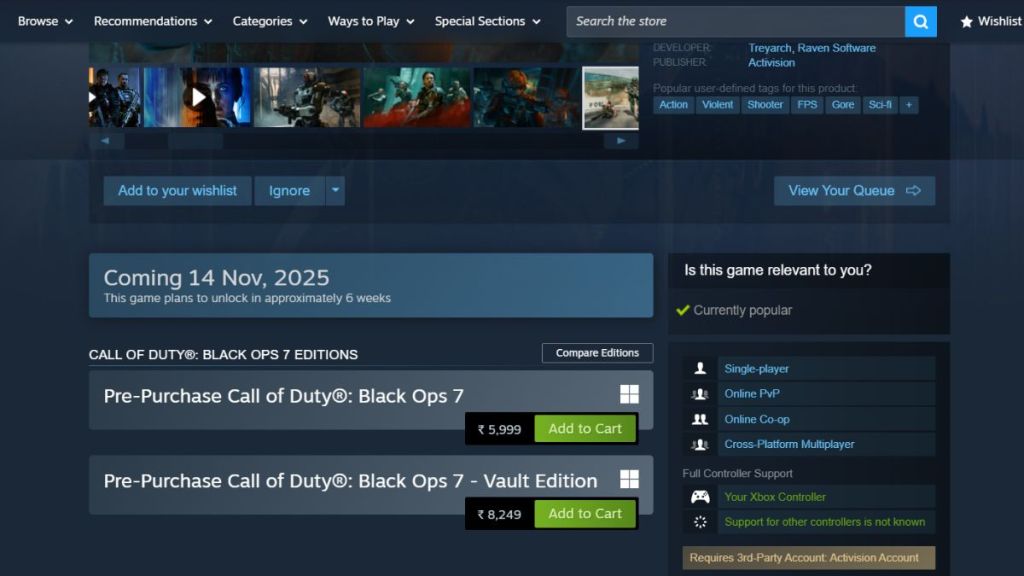
Image Credit: Valve/Activision
Before preloading Black Ops 7, you’ll need to either pre-order the game or have an active Xbox Game Pass Ultimate membership. The preload will also be available to players with an active PC Game Pass subscription. Just follow these steps:
- Launch Steam, Battle.net, or the PC Game Pass client and open Black Ops 7’s store page.
- At the times mentioned above, you’ll see an option to preload the game.
- Select it to pre-download BO7.
How to Preload Black Ops 7 on PS4 and PS5
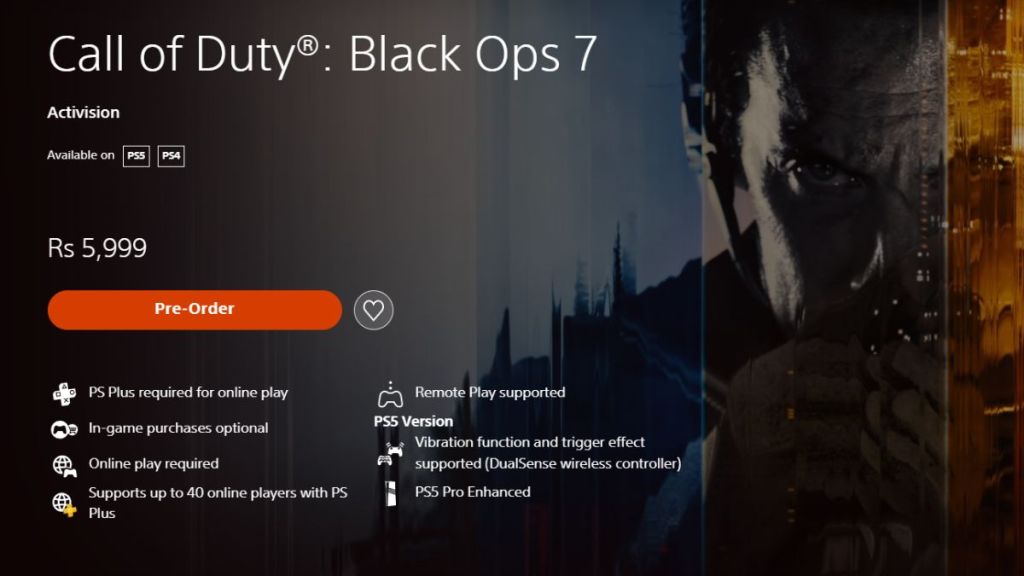
Image Credit: PlayStation Store/Activision
PlayStation can follow these steps to preload the game:
- Open the Black Ops 7 game page in the PlayStation Store.
- Pre-purchase the game first and then head to your Library.
- Find BO7 in your PlayStation library and click on the Download option.
- Wait for the game to finish downloading.
How to Preload Black Ops 7 on Xbox One and Xbox Series X/S
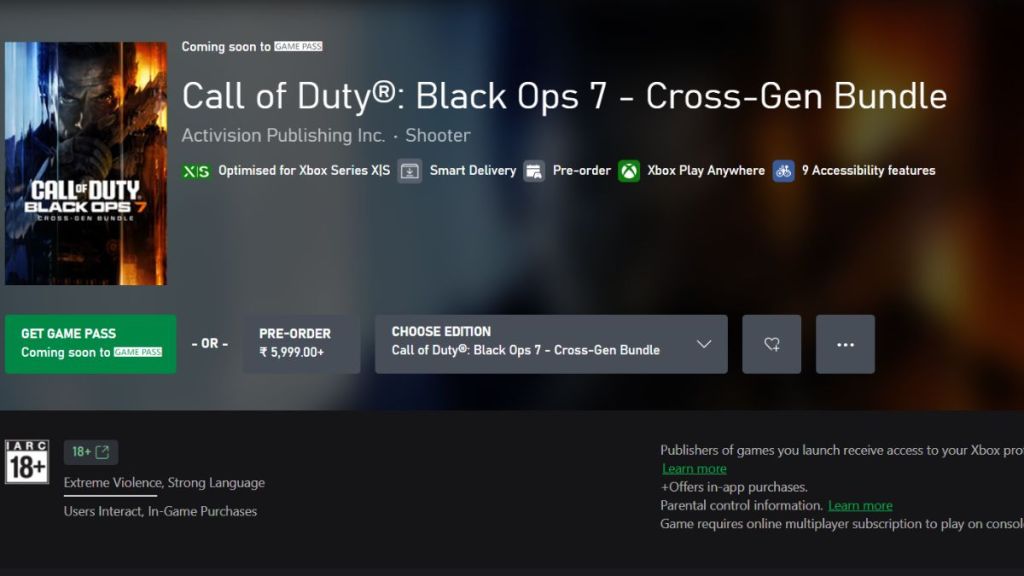
Image Credit: Xbox/Activision
Whether you have a Game Pass subscription or have pre-ordered the game itself, here’s how you can preload Black Ops 7 on Xbox:
- Launch the Xbox Store and open Black Ops 7’s store page.
- Select the preload option.
- Wait for the pre-load to finish.
Call of Duty Black Ops 7 preloads kick off on November 10 at 9 AM PT.
Black Ops 7’s total file size is around 97 GB.

A massive gaming nerd who’s been writing stuff on the internet since 2021, Aryan covers single-player games, RPGs, and live-service titles such as Marvel Rivals and Call of Duty: Warzone. When he isn’t clacking away at his keyboard, you’ll find him firing up another playthrough of Fallout: New Vegas.
Add new comment
Name
Email ID
Δ



