- You can find some useful macOS Sonoma Widgets that you can add to your Mac’s desktop or the Notification Center.
- Some of the best first-party macOS Sonoma widgets are Weather, World Clock, and Screen Time.
- For productivity-focused widgets, you must try Todoist, News, and Spark Mail.
With macOS Sonoma, Apple allowed its users to add widgets on their Mac’s desktop. Now, when you can keep an eye on all the essential information right on your Mac’s desktop, there’s no need to switch back & forth between apps. You can have everything that matters to you right in your immediate sight. Fortunately, it’s super easy to add widgets on macOS Sonoma . Whether you wish to keep yourself updated with the latest emails or track your screen time, the best Mac widgets have got you covered. In this article, we’ll walk you through the 10 best macOS Sonoma widgets that should be on your radar. Here you go!
1. Color Widgets
If you love adding aesthetic widgets to your Mac, Color Widgets is all you need. It offers a library of predesigned widgets and also allows you to create your own widgets in no time. The app offers predesigned customizable widgets that you can add to Mac’s notification center or the desktop. Apart from the predesigned ones, you can also try making your own widgets from scratch.
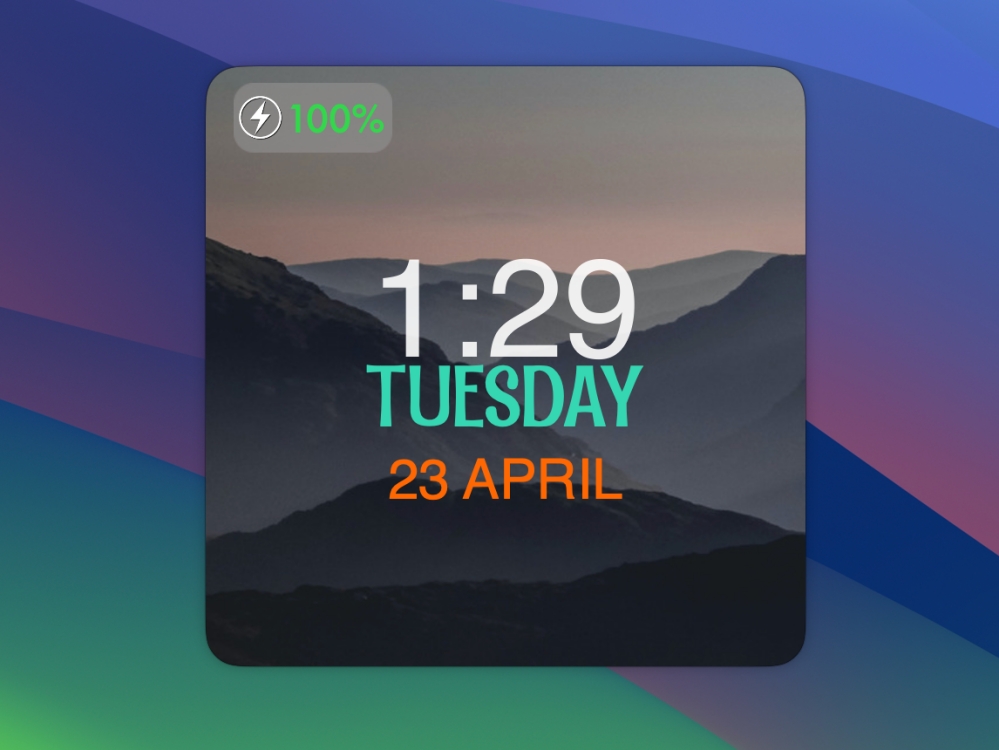
This macOS Sonoma widget includes everything from useful tools like calendars, clocks, and batteries to pleasing elements like photos and quotes that add a nice aesthetic to the desktop. With a bunch of customization options, Color Widgets can help you give a personal touch to your Mac. To sum up, if you’re a fan of customization, you must get your hands on this macOS widget.
2. World Clock Widget
If you’re someone like me who often needs to check out times for different cities across the globe, this macOS Sonoma widget is gonna make your life easier. The World Clock widget brings the world clock right to your Mac’s desktop, so you can stay in touch with your distant friends or siblings or have a look at the timezone of your foreign client to schedule a meeting.
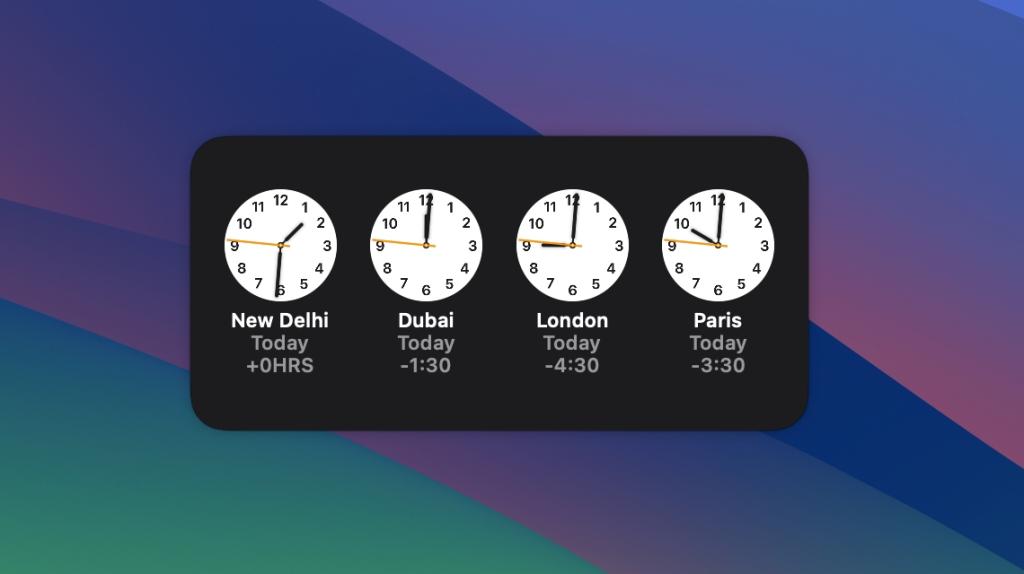
Besides seeing time in different cities around the around, you can click on the widget to use a stopwatch, set an alarm, or start timers on your Mac. The best thing about this macOS widget is that it’s free to use with the Clock app that comes pre-installed on all Apple devices.
Comes Pre-installed
3. Todoist
Do you still write important tasks on paper and then keep searching for them in your drawer? If yes, Todoist is gonna change your life for the better. It’s a mind-blowing task manager and to-do list app that helps you stay organized. You can plan out your day, collaborate on projects, and set deadlines. Besides, the app offers priority levels so you can plan your tasks according to the priority and due dates. That’s not all. This productivity app for Mac also allows you to integrate other useful apps like Gmail, Zapier, Calendar, Dropbox, and more.
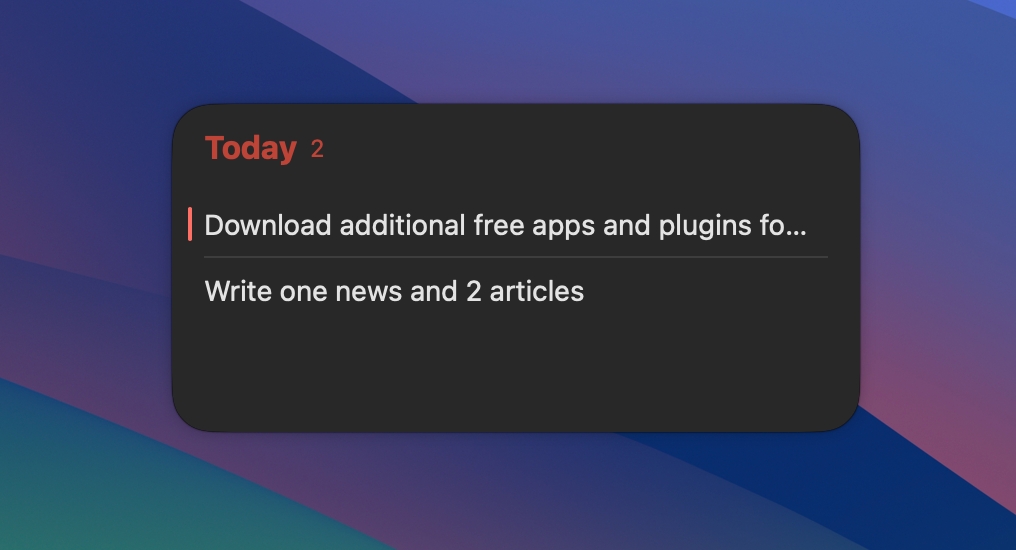
If you’re fond of this to-do app, you must give their widgets a shot. You’ll get to see all your lined-up tasks right on the desktop. The widget companion makes it easier to keep track of your important tasks without swinging between different apps.
4. Calendar & Reminders
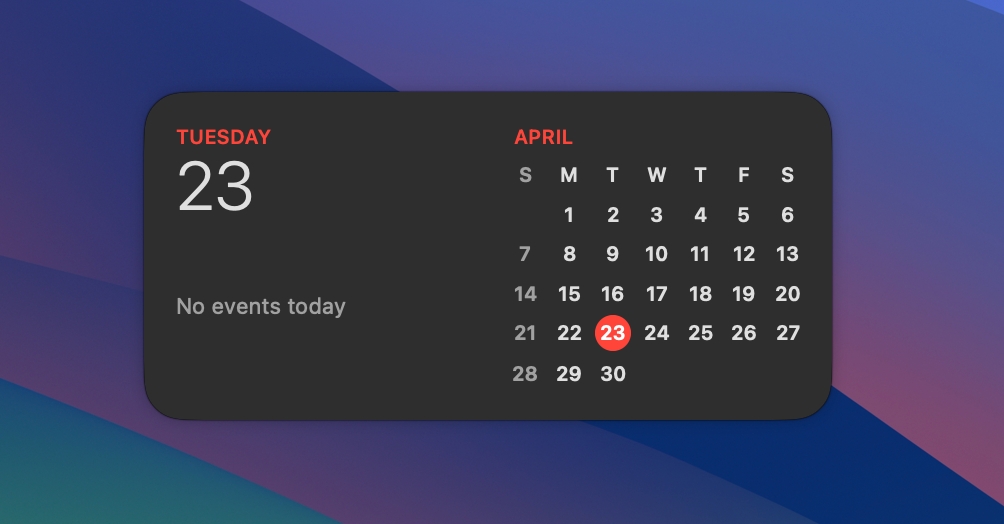
While you’re working on your Mac, you will surely want to keep an eye on your upcoming events. Isn’t it? Well, the Calendar widget for macOS Sonoma gives you the freedom to quickly have a look at your scheduled meetings, upcoming flights, and other events lined up for you. While you can easily find third-party calendar apps for macOS, the built-in Calendar app lives up to the task for me.
Screenshot
Comes Pre-installed
5. Fantastical
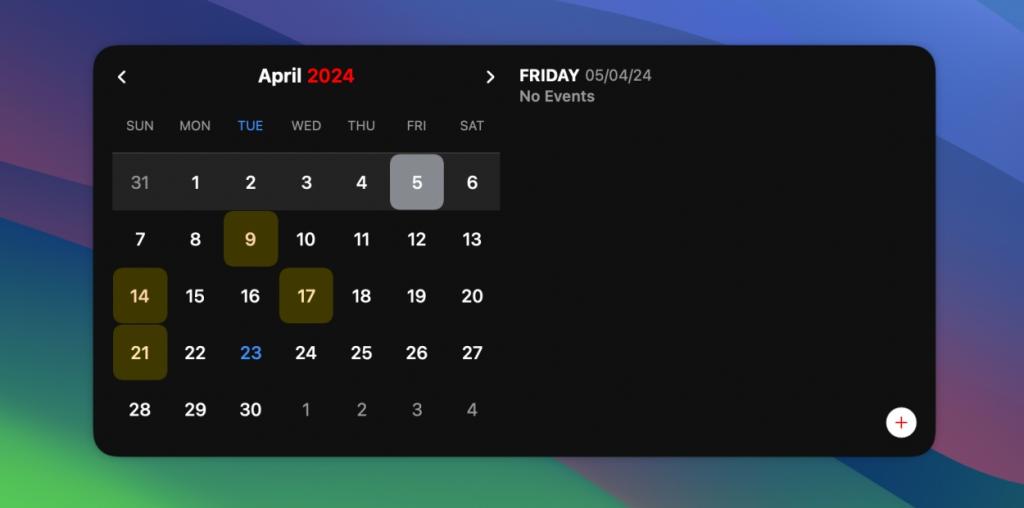
For a long time, Fantastical has secured itself as one of the best calendar apps. If you feel Apple’s calendar app falls short on features or customization options, it’s worth trying out Fantastical. It’s an advanced calendar and tasks app that sports a clean design and packs some impressive features. Talking about the widgets, they help you keep track of the things that matter to you. You also get an extended 10-day weather forecast so you can track the weather and plan your outing more smartly.
Screenshot
You get to choose from some amazing widget designs so you can pick the one that suits your requirements. You can go with the event list+calendar, event list+date widget, or the compact quick action widget to keep everything minimal.
6. News
You would probably know that you can easily add widgets for the apps you’ve downloaded on your iPhone or iPad. I’m a regular user of the Apple News app and I like to keep myself updated with the latest news happening throughout the day. Besides my iPhone, I’ve added the News widget on my MacBook as well to track important news in real-time.

Screenshot
So, if you also wish to keep yourself updated with everything that matters to you, News is a super-useful widget. Boasting a diverse set of credible publishers, the app offers breaking news in several domains including technology, business, sports, politics, entertainment, and more. The best thing is the app is available for free and supports several languages.
7. Weather
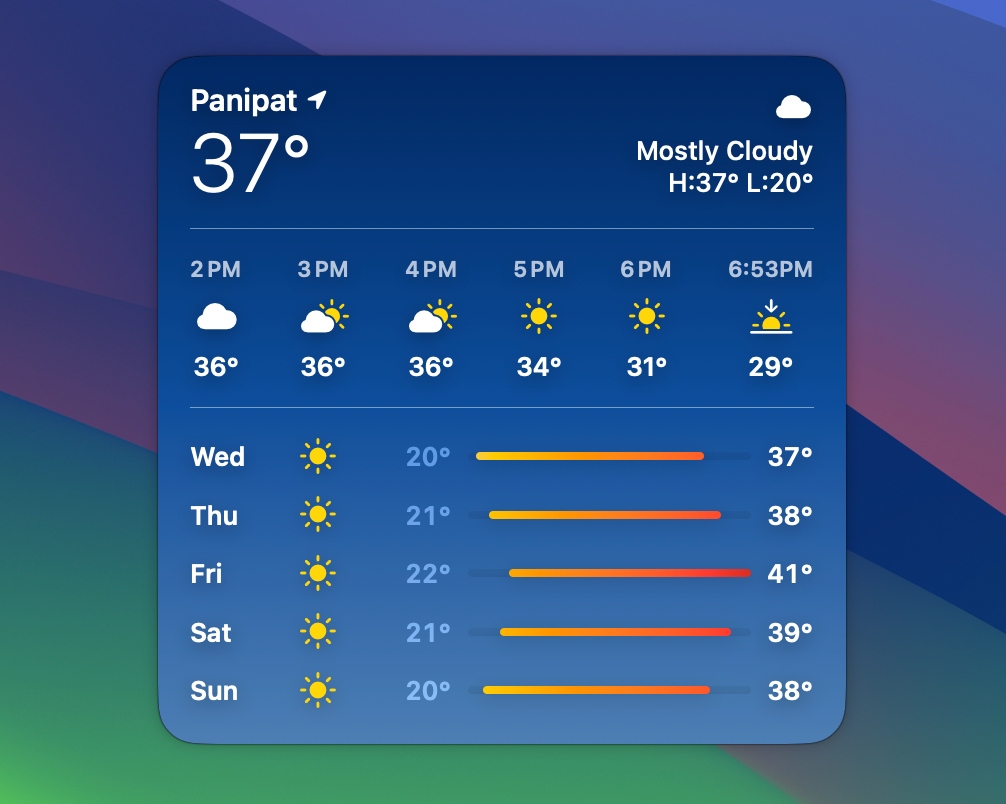
Another stock macOS Sonoma widget that I always have on my desktop is the weather widget. It allows me to glance at the current weather information, without having to open the Weather app every now and then. I can keep track of the essential weather information like current temperature, highest & lowest temperatures, or air quality index.
Screenshot
With iOS 17 , iPadOS 17, and macOS Sonoma, the Weather app has only gotten better and shows additional information as well. There’s a new Lunar Panel that lets you track the moon right from your iPhone. For me, the stock weather app does a great job. If you need more customization options, you can also check out popular third-party weather apps.
Comes Pre-installed
8. Drafts
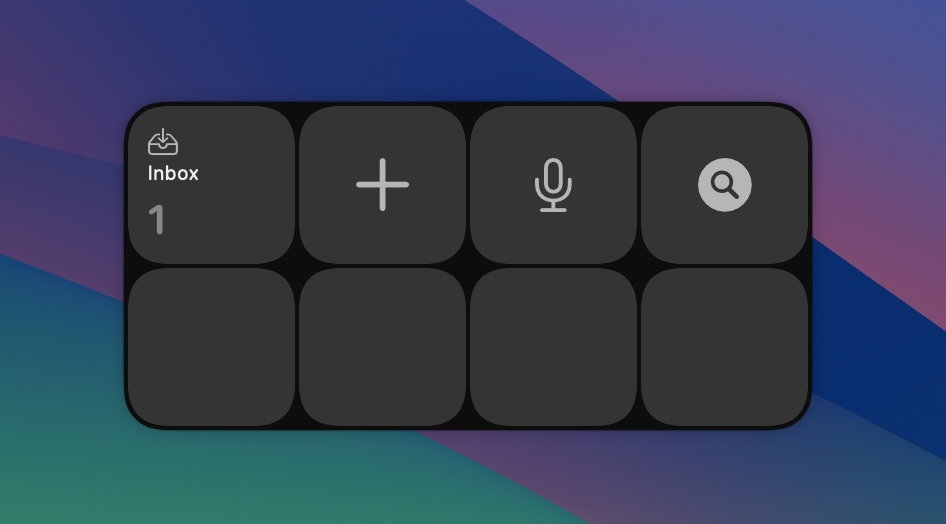
I have been using the “Drafts” note-taking app on my iPhone from quite a long time now, and I love the quick widgets that come with it. Recently, I’ve started using Drafts on my Mac as well, and it offers the same convenience. What I like the most about Drafts is that it allows me to jot down notes quickly. Whether I want to paste some copied text or record a voice note, this Sonoma widget gives me instant access to these features.
Screenshot
If you’ve unlocked the premium version, the Drafts app provides you with more types of widgets that can help you get to your notes much easier and faster. In case you don’t use Drafts, you can check if your note-taking app offers a widget or not.
9. Spark Mail
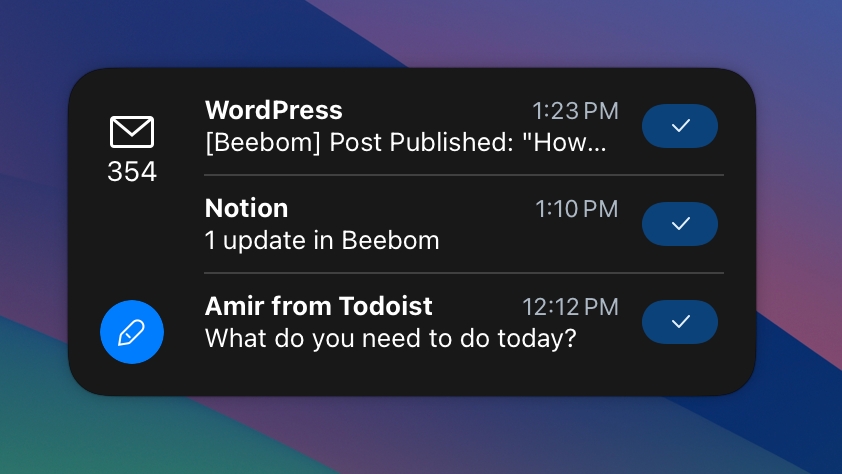
The other iPhone widget I love using on my Mac is Spark Mail. It is one of the best email apps for Macs that brings a top-notch experience for professionals and their teams. One of the best features of Spark is the Smart Inbox which shows up what’s important for you and cleans the rest of the inbox. Therefore, you can focus on exactly what matters to you. It’s a multi-account email client, which gives you the liberty to connect all of your accounts and track emails from one spot. The app supports iCloud Drive, and Dropbox, and has a built-in calendar as well.
Screenshot
If you’re using Spark Mail, you must try their widgets which come in several different designs. You can pick the best design and track emails right from your Mac’s desktop.
10. Screen Time
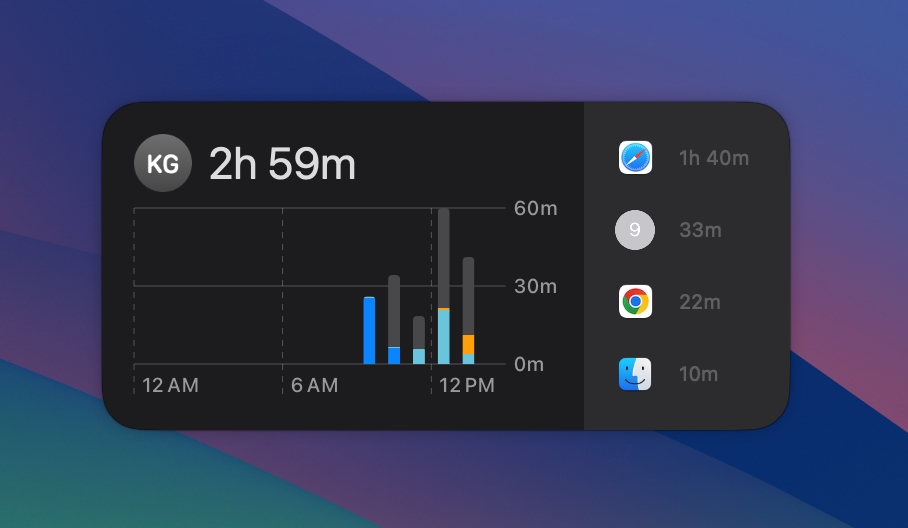
Let’s face it, We spend too much time in front of our screens daily. While we may have some big goals to cut down the daily screen time, it’s never easier. Things are good if we’re sticking to our work, but sometimes, we can switch from work to leisure apps in no time. Sometimes, we are so engrossed in doom-scrolling that we have no idea which app is eating up our precious time. If you’re also sailing in the same boat, the Screen Time widget is gonna help you get control of your app usage.
Screenshot
This pre-installed Sonoma widget helps you keep an eye on how much time you’ve spent on your screen across your Apple devices. The widget comes in three different sizes so you can decide how much information you wish to see. You can identify patterns responsible for your reduced productivity. Once you know them, you can take action to get over your digital distraction.
Comes Pre-installed
Those were the 10 best macOS Sonoma widgets you need to check out right now. We hope you’ve enjoyed this roundup and picked your favorite widgets. In case you’re looking for the best iOS widgets, make sure to check out our list of the top 25 iPhone widgets in 2024.
Kanika has been a loyal iPhone user since 2014 and loves everything Apple. With a Master’s in Computer Applications, passion for technology, and over five years of experience in writing, she landed at Beebom as an Apple Ecosystem Writer. She specializes in writing How To’s, troubleshooting guides, App features, and roundups for Apple users to help them make the best use of their gadgets. When not writing, she loves to try out new recipes and enjoy some family time.
Add new comment
Name
Email ID
Δ


- Apple and Google have officially confirmed their team-up for the next-gen Siri AI.
- The Cupertino Giant will be using Google’s Gemini for a more personalized Siri model as well as Apple Intelligence features.
- We can expect the next-gen Siri to come out with iOS 26.4, sometime in March or April.
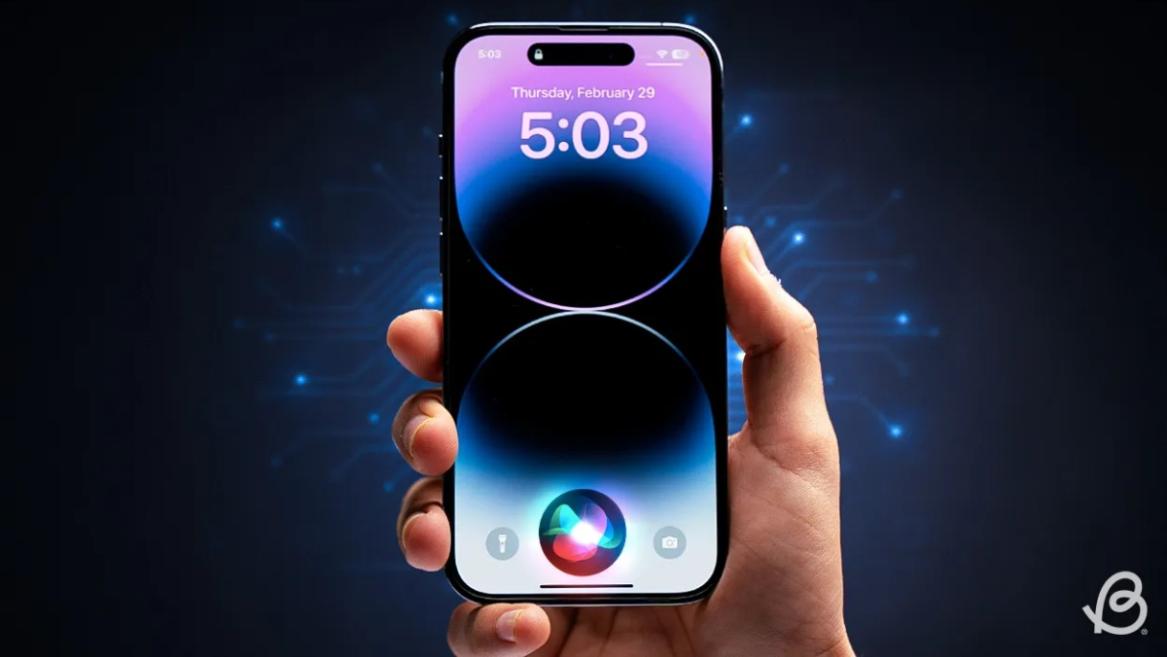
Apple has officially confirmed joining forces with Google to use its Gemini AI model to power the next-generation Siri. It will offer a more personalized experience and will be coming out with the iOS 26.4 update. Apple also plans to leverage Gemini’s capabilities for other Apple Intelligence features as well, later down the line.
The Next-Gen Siri will be powered by Google’s Gemini AI
Apple officially confirmed that it will be partnering with Google in a statement to CNBC . Here’s what it stated, “After careful evaluation, we determined that Google’s technology provides the most capable foundation for Apple Foundation Models, and we’re excited about the innovative new experiences it will unlock for our users.”
Later, Google also shared a post on X confirming the tie-up, “Apple and Google have entered into a multi-year collaboration under which the next generation of Apple Foundation Models will be based on Google’s Gemini models and cloud technology. These models will help power future Apple Intelligence features, including a more personalized Siri coming this year.”
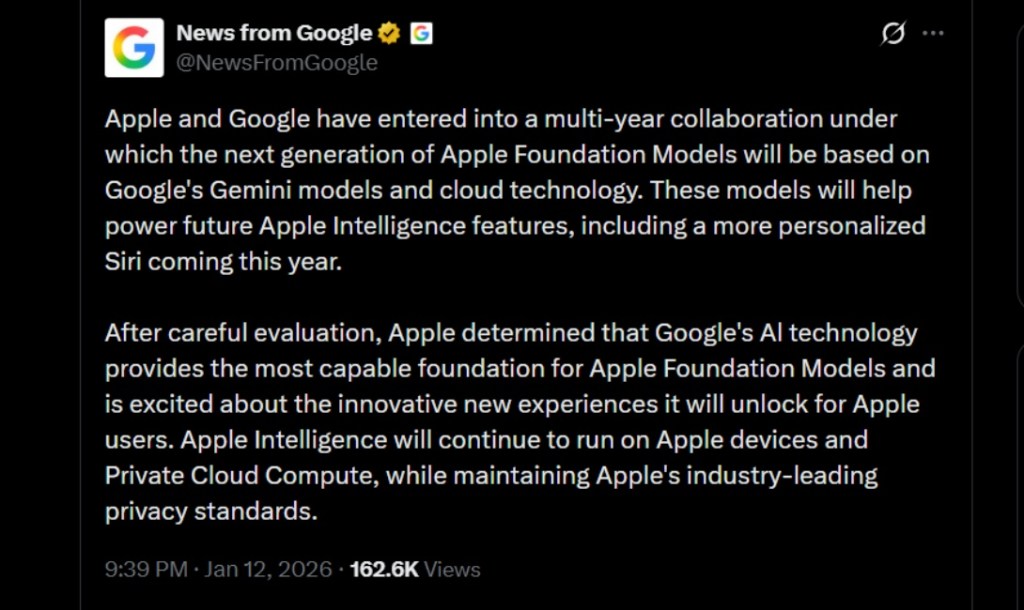
Image Credit: X/@NewsFromGoogle
Both statements clearly mention that the Cupertino Giant will be using Gemini to power its assistant Siri. This was already rumored, as Apple’s attempts to acquire Perplexity went nowhere. With Gemini, Siri will get a major AI update . It will be able to handle more nuanced conversations and provide better results. Something long-time Apple users have been asking for years.
The next-gen Siri will arrive with the iOS 26.4 update, which will launch sometime in March or April. And it is only going to be available for Apple Intelligence-supported devices .
Something else worth noting is how Google’s statement mentions that Gemini will power Apple Intelligence features. This leads us to believe that Apple could use Gemini’s multi-modal capabilities for its Writings tools , Image Playground , and Message summaries, too.
Elon Musk Not Happy With Apple and Google Tie Up
xAI CEO Elon Musk also responded to Google’s announcement post on X, sharing his thoughts on the matter by saying, “This seems like an unreasonable concentration of power for Google, given that they also have Android and Chrome.” Though we don’t expect either Apple or Google to respond to Elon, we will update the situation as it progresses.
It is worth noting that xAI is the company behind Grok, which is in hot water currently due to its inappropriate image generation fiasco , and has been getting backlash from multiple news outlets, X users, and even government authorities.
With over 4 year of experience under the belt, I cover all facets of consumer tech, from smartphones to other consumer electronics, our favorite social media apps, as well as the growing realm of AI and LLMs. As an Apps and AI writer app Beebom, I provide my expertise in all these areas, weaving stories that help you get familiar with the tech around you. But you will find me playing NYT daily puzzles in my free time.
Add new comment
Name
Email ID
Δ
